










Boost Your Family’s Health
- Available on-demand 24/7
- Connect in less than 5 minutes
- Access medical documents in-app


Your family's health comes first.
Doctor Anywhere provides the support you need to prevent and manage common health conditions like allergies, colds, flu, diabetes, hypertension, and mental health issues.
We make it easy for you to prioritize your family's well-being and access to the medical expertise you need, all from the comfort of your own home.
₱550
Available 24/7
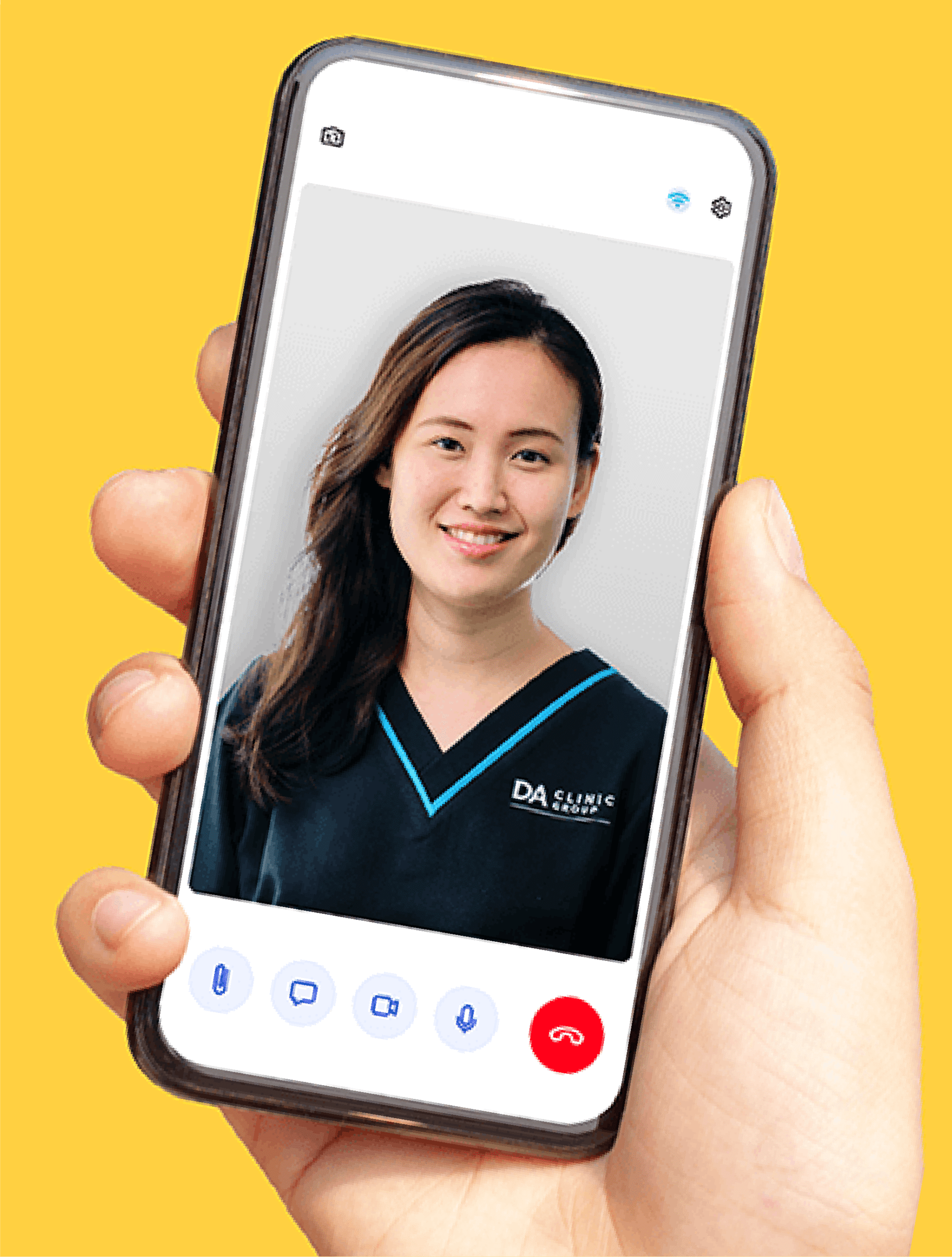
24/7 Family Medicine Doctor
Get 24/7 medical advice, treatment, and specialist referrals for you or your loved ones’ health concerns. Available on-demand, even on holidays, with a waiting time of less than 5 minutes.
Create a separate account for your dependent
Download or launch the Doctor Anywhere app
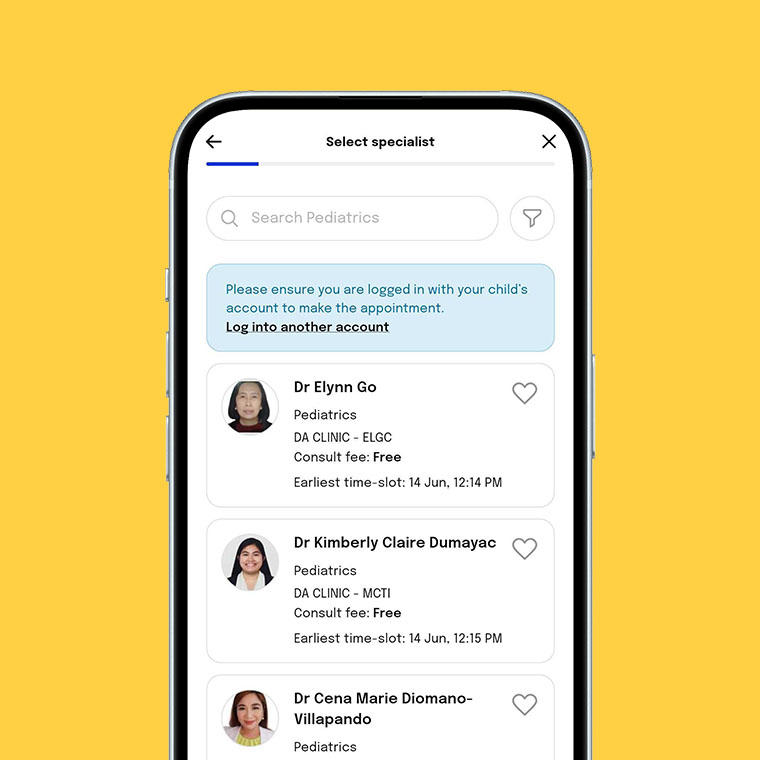
Sign up with the details of your dependent
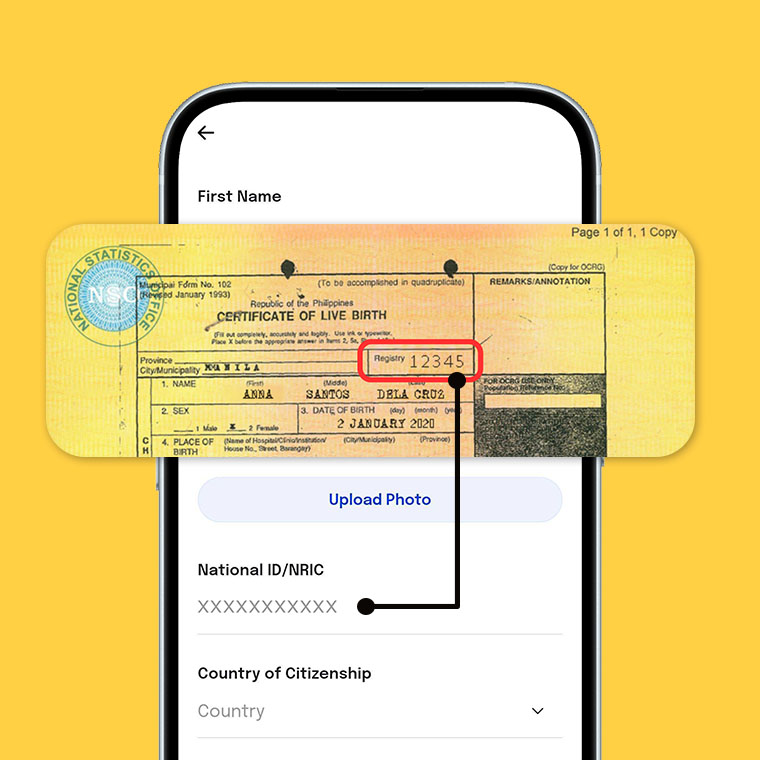
In the absence of an ID, upload their birth certificate and use the "Registry number" as the ID number
Learn more about family health
Vapes and Popcorn Lungs: A Doctor’s Honest Take on E-Cigarettes

Living with PCOS: How to Build a Routine That Supports Your Health

Why Your Heartbeat Might Be in Sync with Your Partner's (And What It Means)

How to Keep Your Eyes Healthy: Eye Care Tips

Mindful Gift-Giving for a Healthier Christmas

Asthma Awareness: Symptoms, Triggers, and Management

Too Busy to Eat Right? 8 Nutrition Tips For Busy People
Frequently asked questions
If your DA account is linked to your previous HMO, follow these steps on the DA app to update it:
-
Unlink your old HMO:
- Go to Home > Membership & Health Plan > Membership
- Click the three dots next to your old HMO
- Select Remove Membership
-
Link your new HMO:
- Go to Home > Membership & Health Plan > Link your Membership
- Select your HMO provider from the list
- Enter the required details (e.g., HMO number, date of birth).
Yes, you can use DA for your child. Please take note of the following:
We follow a one-user, one-account policy to ensure better security and personal organization of electronic medical records. Each individual should have their own account, as all medical documents issued via the app will be associated with the registered name on the account used during the consultation.
Please create a separate DA profile for your dependent, and keep the following in mind during registration:
- A unique email address is required for each account, as part of our security protocol.
- If a valid ID is unavailable, you may use your child’s birth certificate, and the ‘Registry No.’ (found in the upper right corner of the document) can be used as the ID number.
- If available, link your child’s HMO to his/her DA account
For children with no valid ID/Passport yet, you may upload his/her Birth Certificate input the Registry Number located on the upper right part of the document as the ID Number. To know where to find the Registry Number, go to this link: https://bit.ly/3rAJ9ux