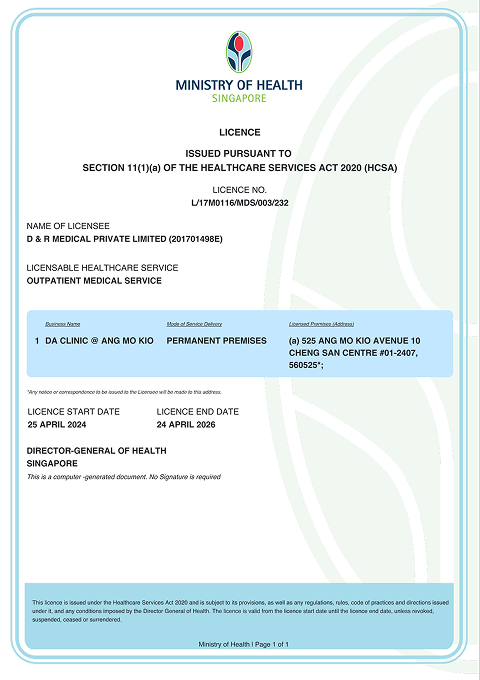

You can get a medical certificate at no additional fee following your online video consultation, but it will only be issued if the doctor deems it necessary.
See a doctor online
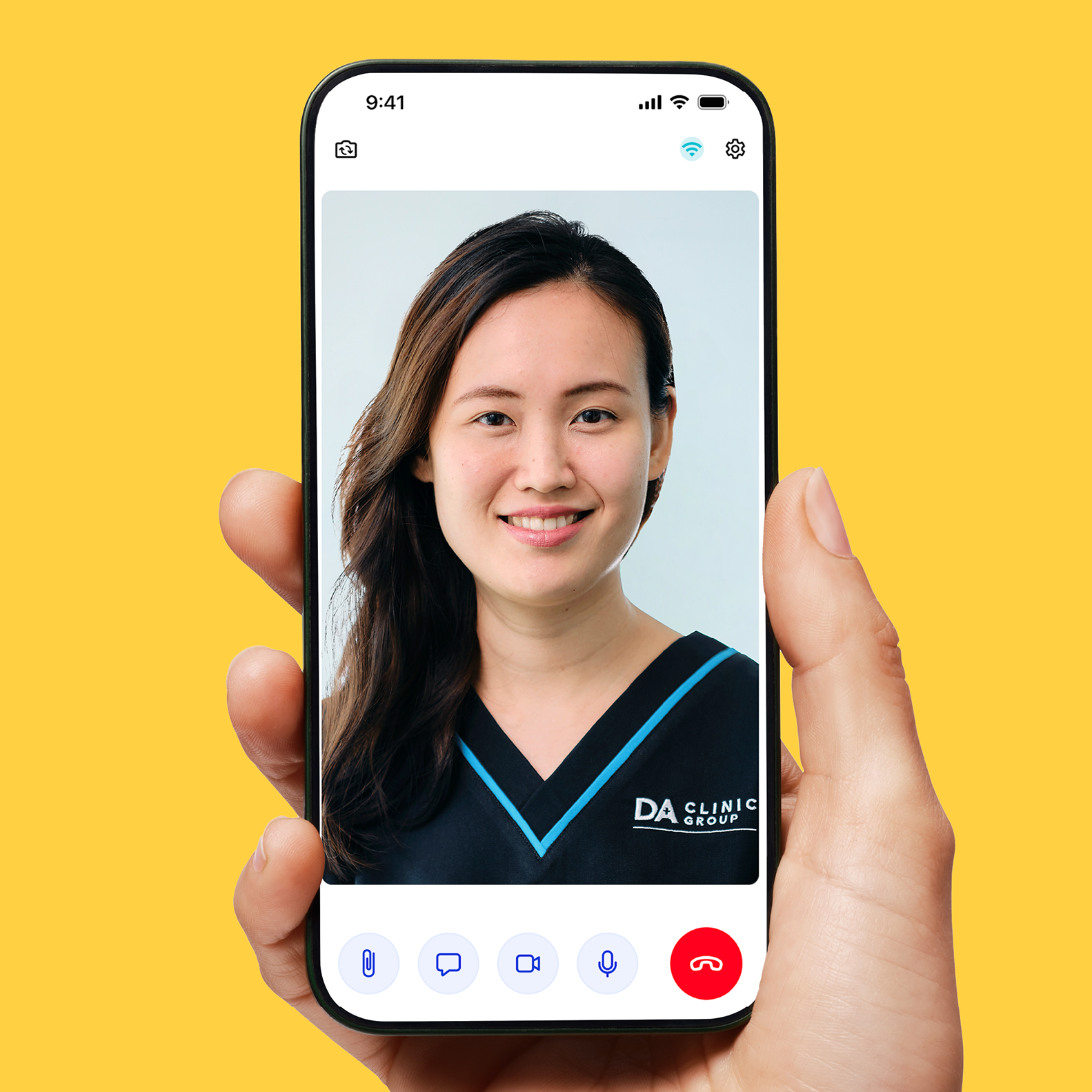
Experience fully covered online consultations without the hassle of needing LOA or LOG!
☑️ Video consultations with general practitioners and specialists are fully covered for Fortune Life, Generali, Insular Health Care, Lacson & Lacson Insurance Brokers (LLIBI), Maxicare, Medicare Plus, and WellCare Health Maintenance members
☑️ Video consultations with general practitioners are fully covered for COCOLIFE Healthcare, EastWest Healthcare, Etiqa, and HMI members
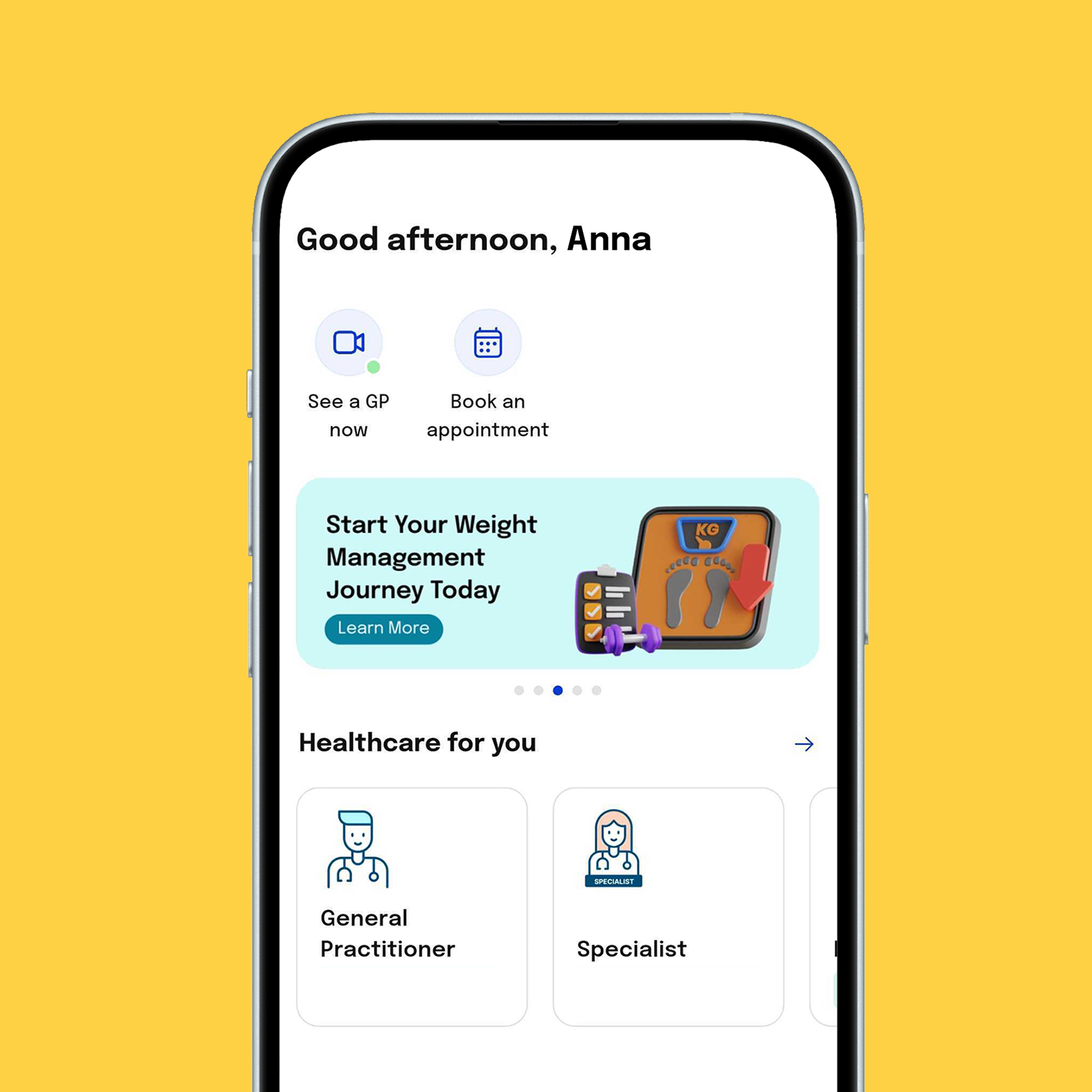
1. Download the free Doctor Anywhere app on Google Play Store or App Store, and launch the app.
2. On the main screen, press “Continue” under “Membership & Health Plan”
3. Choose “Link Your Membership”
4. Make sure the location is set to “Philippines”
5. Pick your HMO provider from the list.
– For Maxicare users, enter the 16-digit card number starting with 1168 in a single, unspaced format without any special characters.
– For Cocolife users, kindly key in the 16-digit card number starting with 2626 in a single, unspaced format without any special characters.
– For Etiqa users, enter the 17-digit card number starting with 1010 in a single, unspaced format without any special characters.
– For Insular users, enter your 16 digit or 6 digit Inlife/Insular account number.
– For Generali users, input the certificate number with the dash included (e.g., 1234567-00).
Note: Only one coverage per account can be linked within the app. If you intend to delete your profile, ensure that you unlink your HMO/Insurance account. Tap your membership displayed on the Home page, then click the ellipsis (three dots) and choose “Remove Membership.”
Doctor Anywhere cannot issue a fit-to-work certificate as it requires a physical examination, which isn’t possible via video consultation. However, our doctors can provide medical certificates for medically necessary conditions.
Use the ID/NRIC/Passport Number (case sensitive) that is registered on your Doctor Anywhere account. You can find the related ID by tapping “More” > “View Profile” > “About Me”.
To provide you with the best possible support, our customer service team is available at askus.php@doctoranywhere.com.
They will assist you with any concerns, such as app issues, appointment booking, accepted HMOs, medical certificates, e-medical document passwords, refunds, and other questions.